Anvil CSG press kit

A brush-based level editor that runs inside the Unity Editor.

You're welcome to use these texts, screenshots and logos to write about Anvil CSG or make videos about it.

Short description

Anvil CSG is a brush-based level editor for Unity, in the style of Hammer and TrenchBroom. You build levels out of brushes right in the Unity Editor, and Build Map turns them into normal meshes. Beta 2 is a free preview for Unity 6.3.

Long description

Anvil CSG is a level editor for Unity that works with brushes, the way Hammer and TrenchBroom do. You lay out rooms in the top, front and side views, cut doors and windows with carve, paint materials on the faces, and Build Map turns the whole thing into normal Unity meshes. The brushes stay in your project, so you can go back and change the layout whenever you want.

It's made by Simon, a solo developer from Croatia who puts out his tools under the name 2Yeet. Beta 2 is a free preview for Unity 6.3 (Built-in and URP). The full version is on its way to the Unity Asset Store.

Video
Video from YouTube. It only loads when you press play.

Screenshots
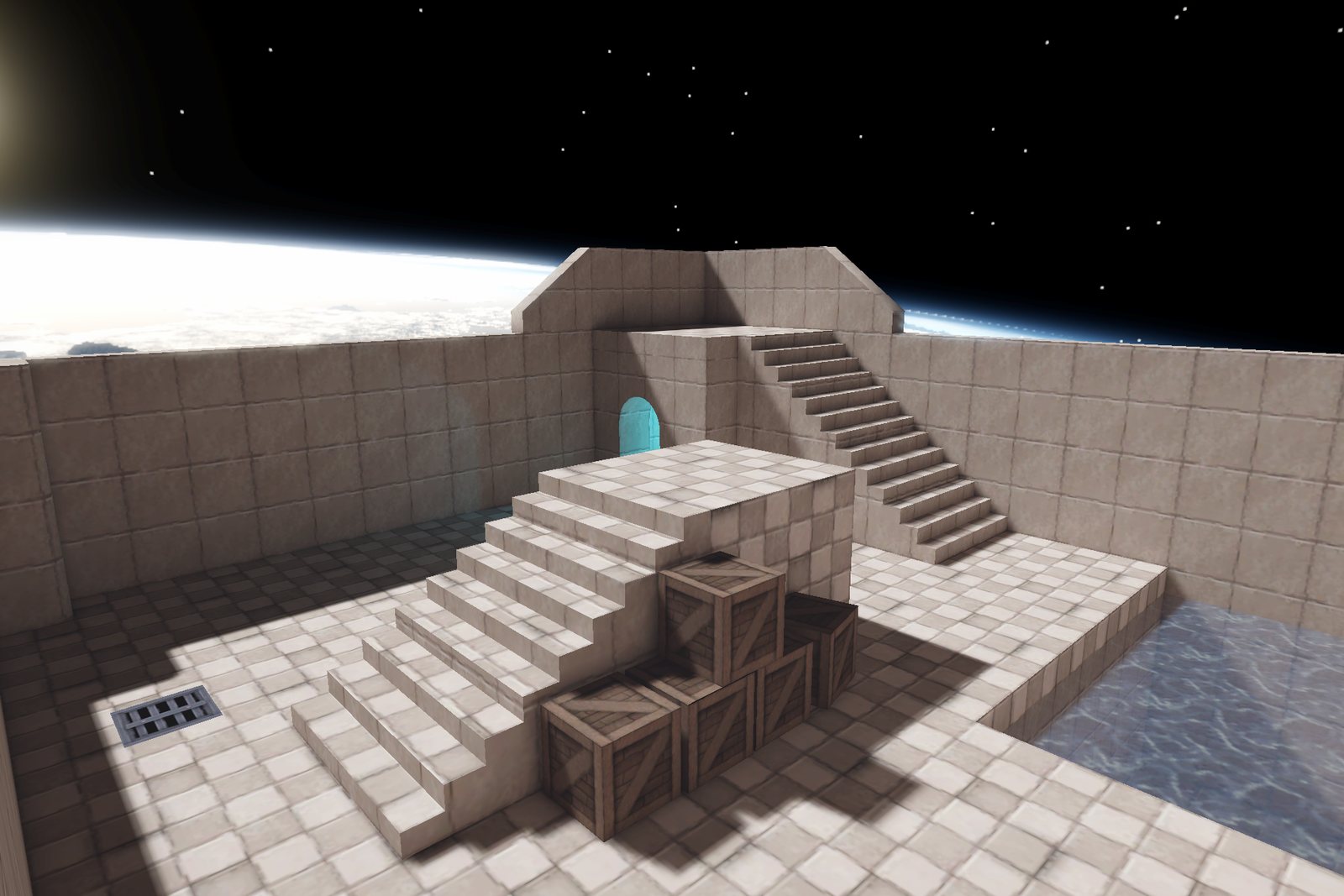
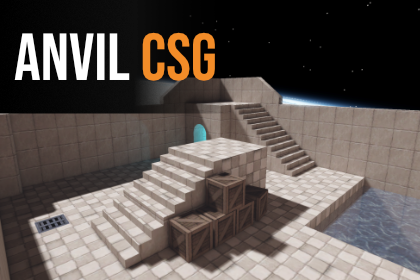
Level with stairs, crates and water built in Anvil CSG
Level with stairs, crates and water built in Anvil CSG Download
Anvil CSG Beta 2 key art (small, from the GitHub page)
Anvil CSG Beta 2 key art (small, from the GitHub page) Download
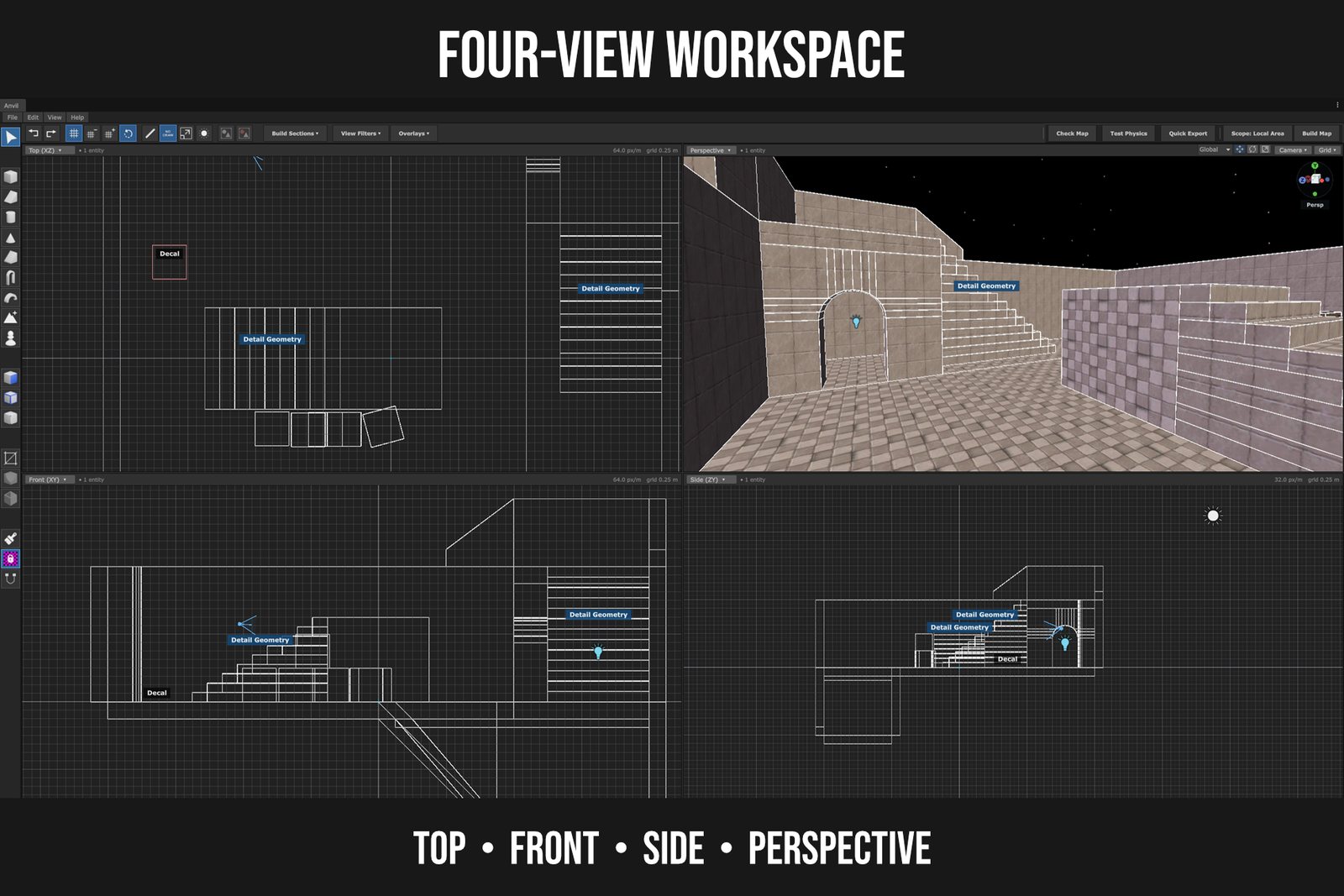
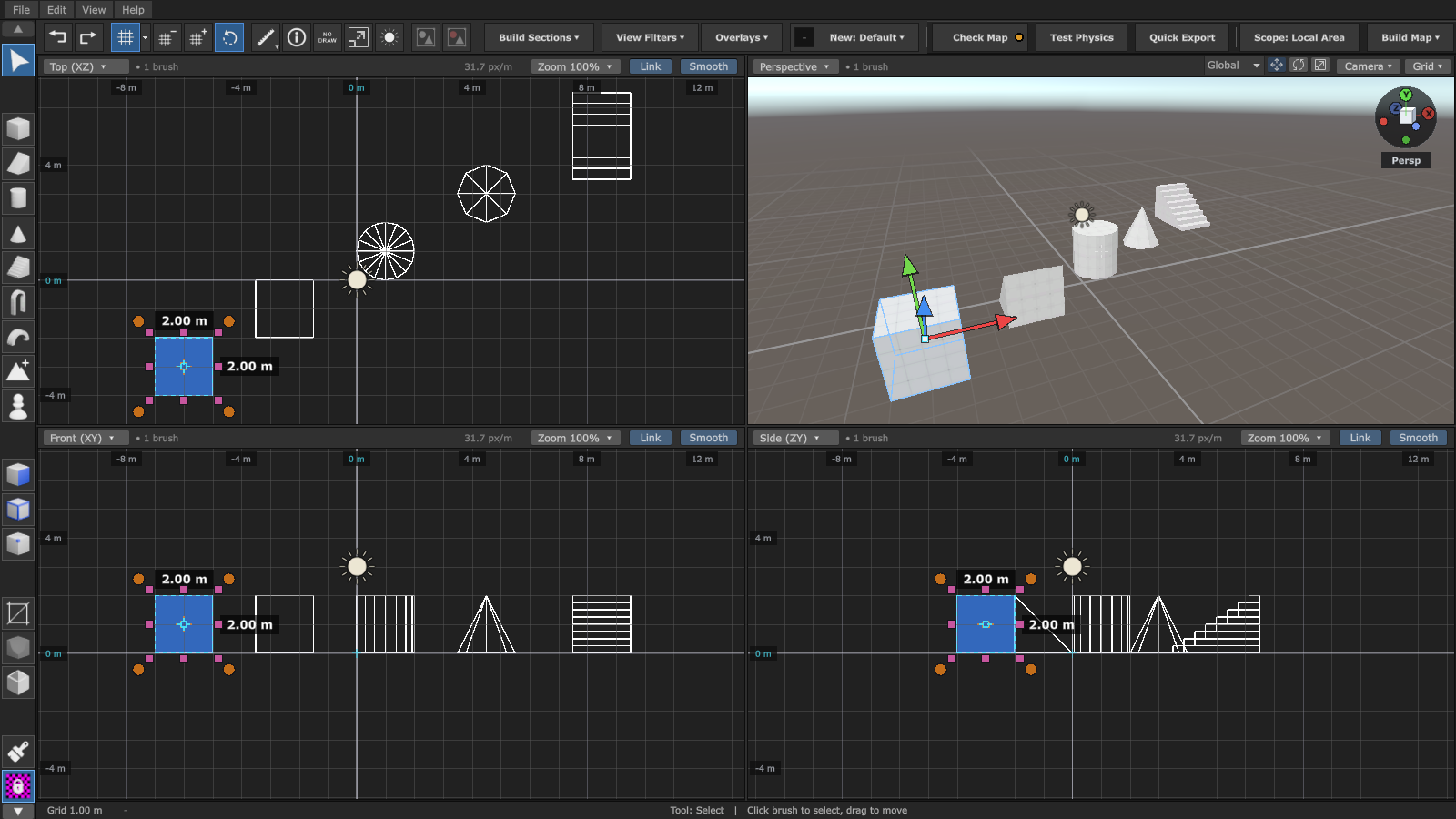
Four-view workspace: top, front, side and perspective
Four-view workspace: top, front, side and perspective Download
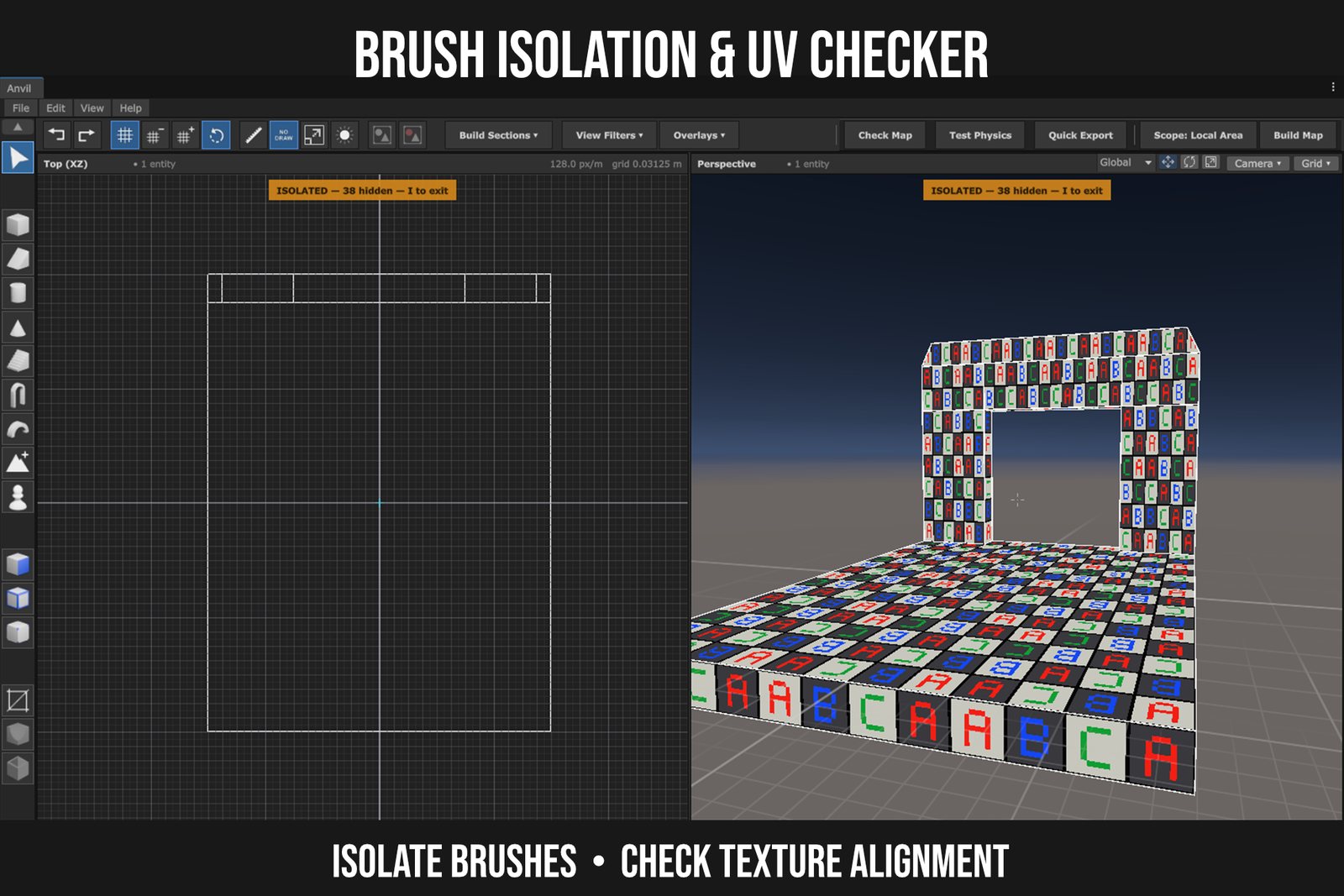
Brush isolation and UV checker
Brush isolation and UV checker Download
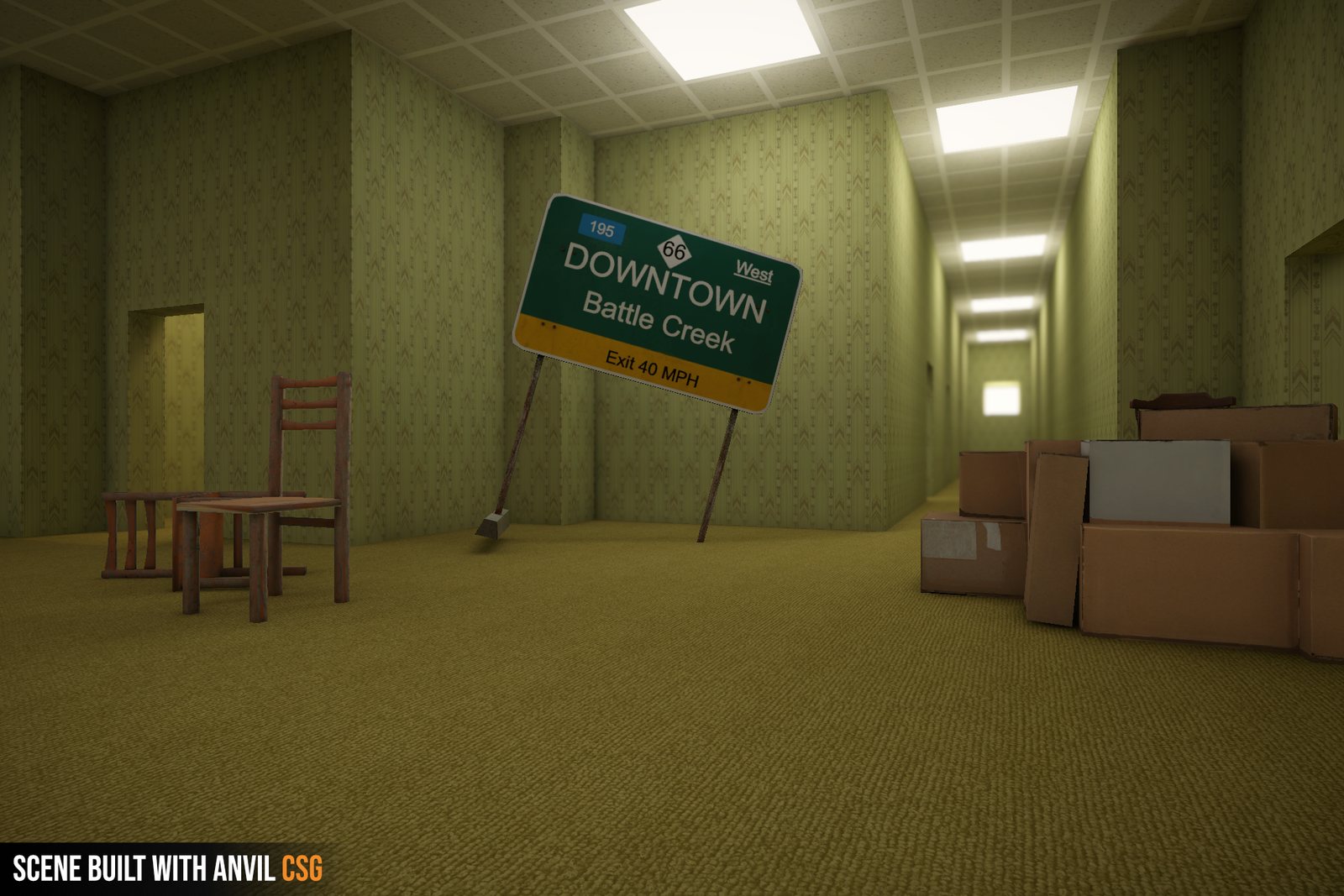
Backrooms-style hallway built with Anvil CSG
Backrooms-style hallway built with Anvil CSG Download
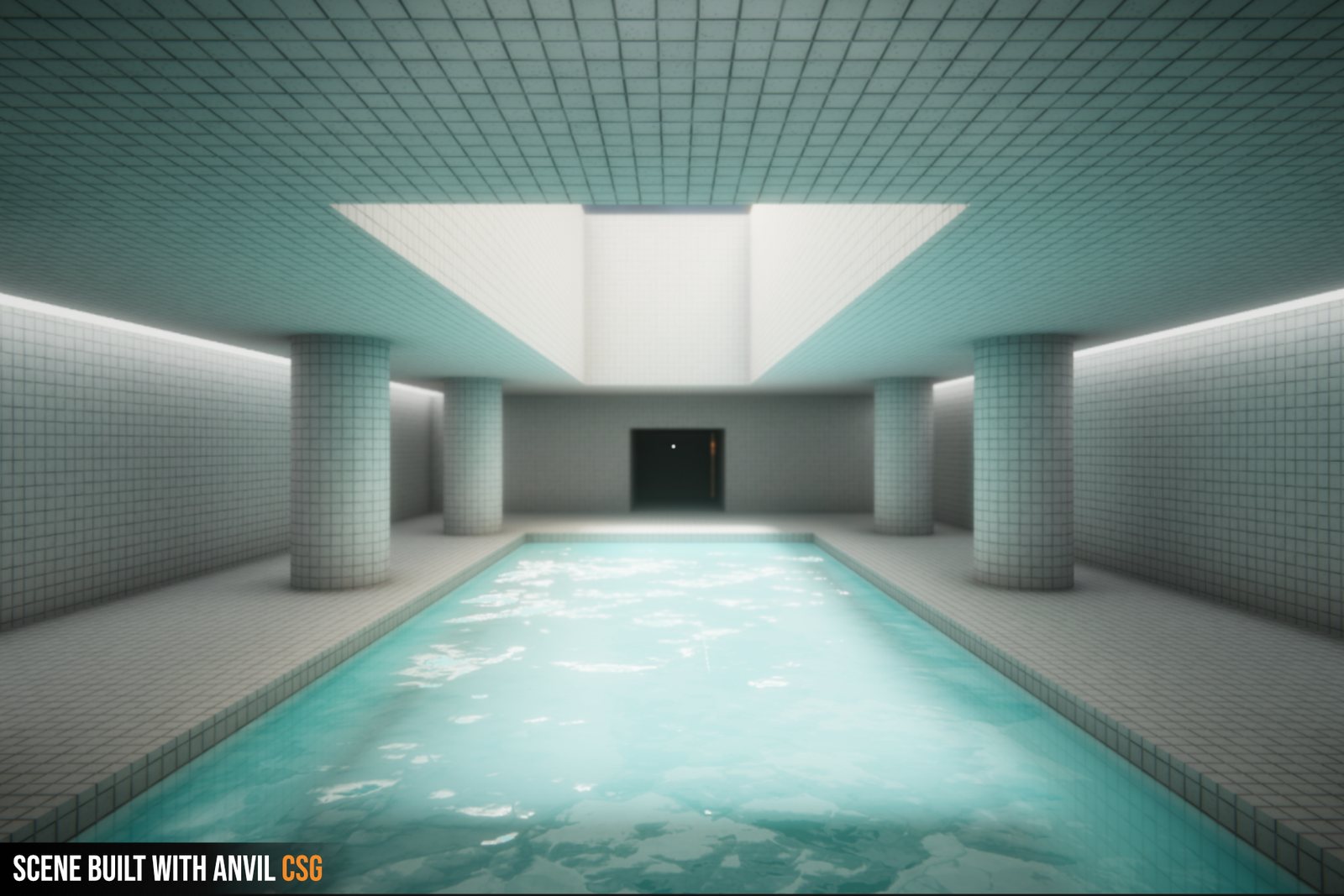
Tiled pool room built with Anvil CSG
Tiled pool room built with Anvil CSG Download
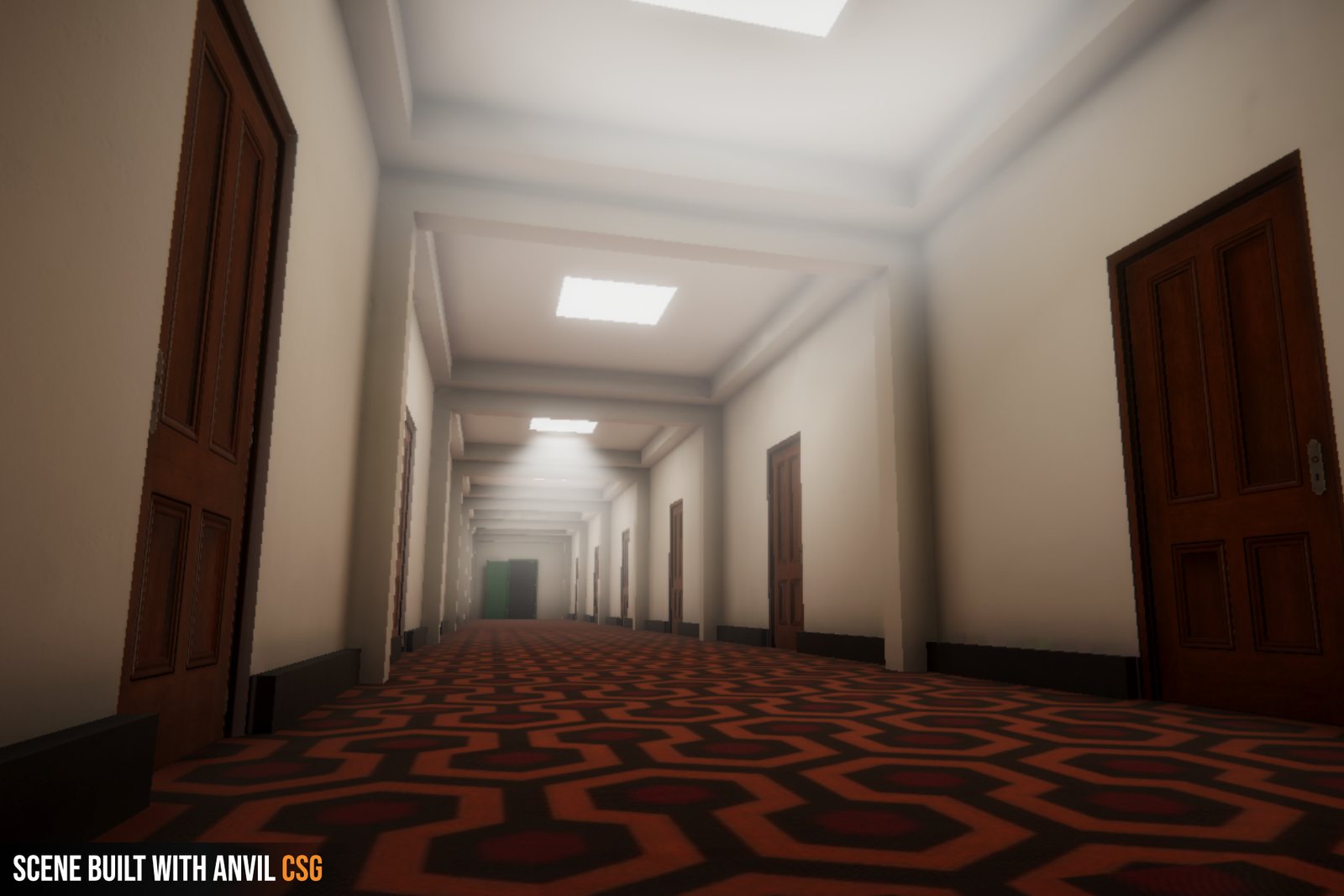
Hotel corridor built with Anvil CSG
Hotel corridor built with Anvil CSG Download
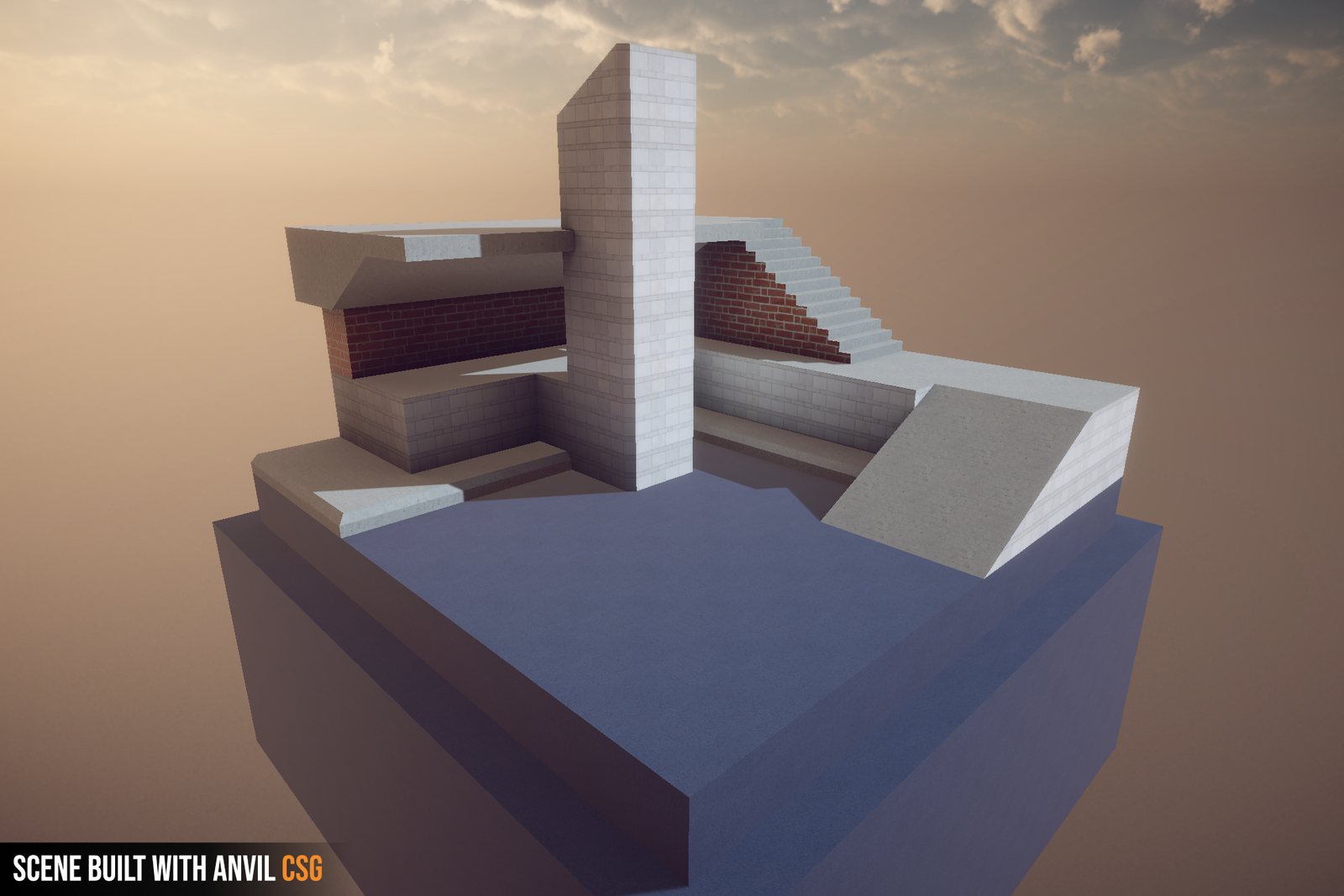
Outdoor blockout built with Anvil CSG
Outdoor blockout built with Anvil CSG Download
Full version: the workspace with top, front, side and 3D views
Full version: the workspace with top, front, side and 3D views Download
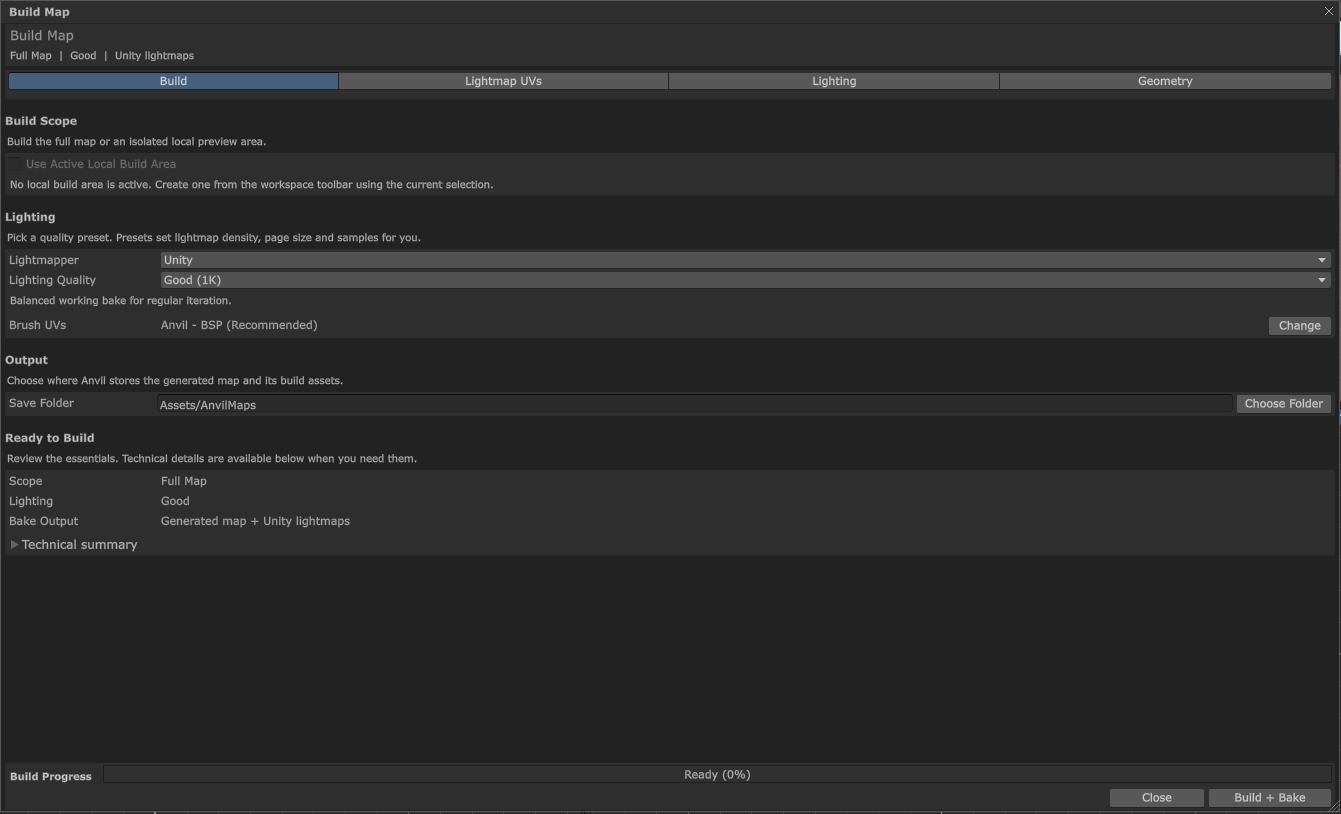
Full version: the Build Map window
Full version: the Build Map window Download
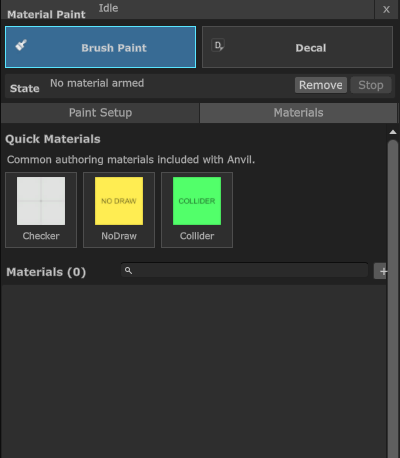
Full version: Material Paint
Full version: Material Paint Download
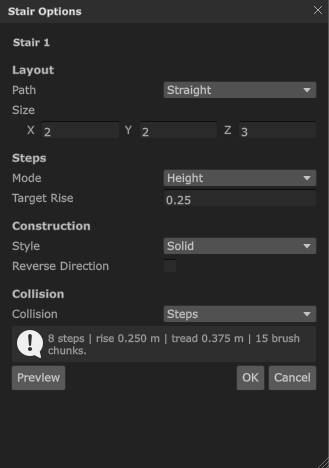
Full version: stair options
Full version: stair options Download
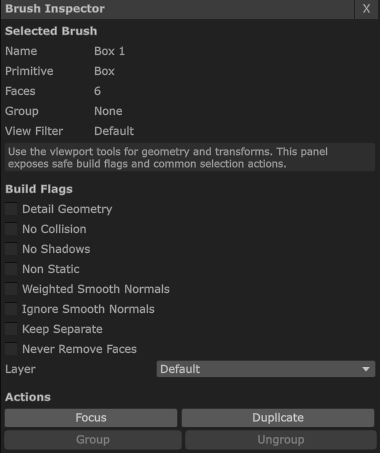
Full version: the brush inspector
Full version: the brush inspector Download
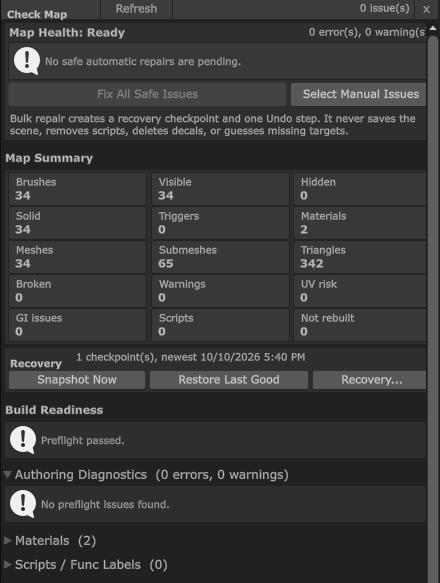
Full version: Check Map
Full version: Check Map Download

Logos