
What is Anvil CSG?
Anvil CSG is a Hammer-style level editor that runs inside Unity. What it is, why I made it, who it's for and how to try it.
On this page
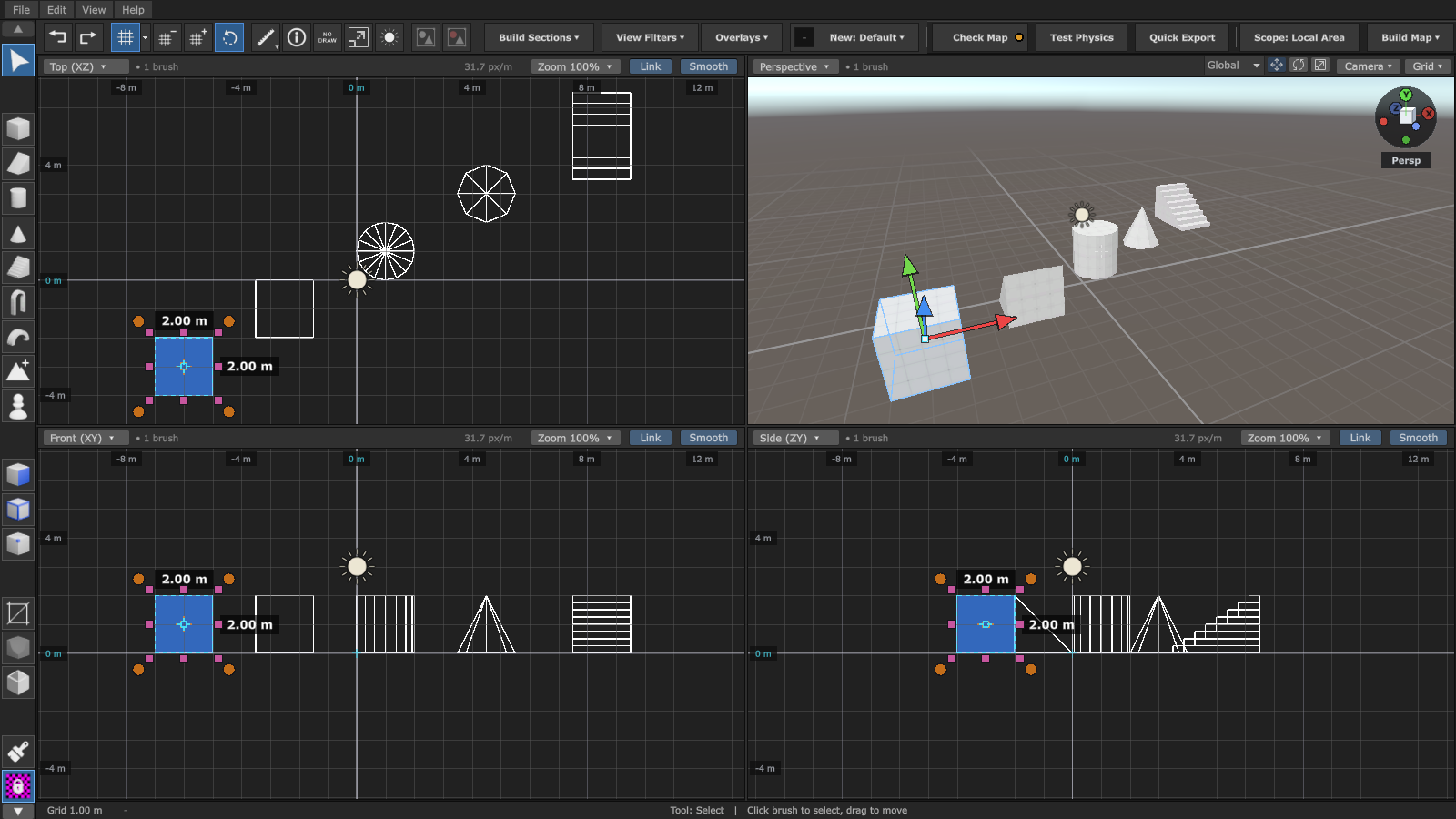
Anvil CSG is a level editor for Unity that works with brushes, the way Hammer and TrenchBroom do. You draw blocks in the top, front and side views, cut doors and windows into them, paint textures on the faces, press Build Map, and you've got a level running in Unity. All of it happens inside the Unity Editor, no other program needed.
If you ever made a map for Half-Life or Counter-Strike, you already know how it works. If you didn't, don't worry, it's simpler than it sounds.
Why I made it
I kept seeing the same thing. A lot of people don't like ProBuilder, and a lot of people don't know Blender. But they still need levels.
Hammer-style editing is pretty simple. You draw a box and it's a wall. Two boxes and a carve and it's a doorway. No modelling skills needed.
Anvil started as a raw concept that I only used for my own greyboxing. Once I made the editor a bit nicer, I posted it on r/Unity3D earlier this year and got a ton of nice comments. So I kept going.
In my second post I shared a Discord link and asked for testers. They ended up reshaping pretty much all of Anvil into what it should be. I promised them that if it ever made it to the Asset Store, it would be really cheap. It will be $20.
Who it's for
- People who want a fast greybox. Block out a level in minutes, walk around it, change it, build again.
- Boomer shooters and retro 3D games. In these games the brush look is the style. You can take a level all the way from the first box to a finished, lit map.
How it works
- Draw brushes in the top, front or side view. There are boxes, wedges, cylinders, spikes, stairs, arches and arcs.
- Shape them. Clip, Carve, Hollow and Bevel, plus face, edge and vertex editing when you need more control.
- Paint materials straight onto faces, or drag a material onto a face. Line up the textures, or turn on Texture Lock so they stay put while you move things.
- Add the rest. Lights, prefabs, decals, reflection and light probes, and triggers with your own gameplay scripts.
- Check Map, then Build Map. Anvil turns your brushes into normal Unity meshes with collision, lightmap UVs and, if you want, baked lighting.
The nice part is that the brushes stay in your scene. The built map is just output. Want to move a wall? Move it and build again.
What else is in the full version
The newer version, the one coming to the Asset Store, goes well past Beta 2:
- Terrain. Mesh terrain you can sculpt, paint with up to 8 layers and cover with grass, rocks and trees.
- Decals that wrap around corners and stay stuck to their brush.
- Reusable brush prefabs. Turn a finished piece into a prefab and place linked copies.
- Level optimization. Merge areas, remove faces the player can never see, and bake occlusion culling.
- Local Build Area, so you can test one part of a big map without building all of it.
- Recovery snapshots in case something goes wrong.
- Bakery support if you bake your lighting with Bakery.
- Unity 6.0 to 6.7, Built-in and URP.
The docs show all of it, and they're always up to date with the newest version.
What it doesn't do (yet)
Better you hear it from me than find out after buying it:
- No HDRP. Built-in and URP only.
- Mac isn't confirmed. Windows and Linux work.
- Brushes are always convex. Anvil splits more complex shapes into several brushes for you. Organic stuff like caves, rocks or characters is still Blender's job.
- The terrain is Anvil's own mesh terrain, not a Unity Terrain object.
Anvil or ProBuilder?
ProBuilder is fine, it's just a different way of working. With ProBuilder you model meshes. With Anvil you build a level out of brushes in four views, and your map stays editable as brushes the whole time. If you like how Hammer or TrenchBroom feel, Anvil will feel like home.
How to try it
- Beta 2 is free. It's an older preview for Unity 6.3, and you can use it in your games, commercial ones too. Here's how to get it.
- The full version is coming to the Unity Asset Store for $20, with $14 for the first two weeks. There's no release date yet.
The tutorial video shows the whole workflow:
Video from YouTube. It only loads when you press play.
Got questions, or want to show what you built? Come hang out on the Discord.
More about Anvil CSG
All posts →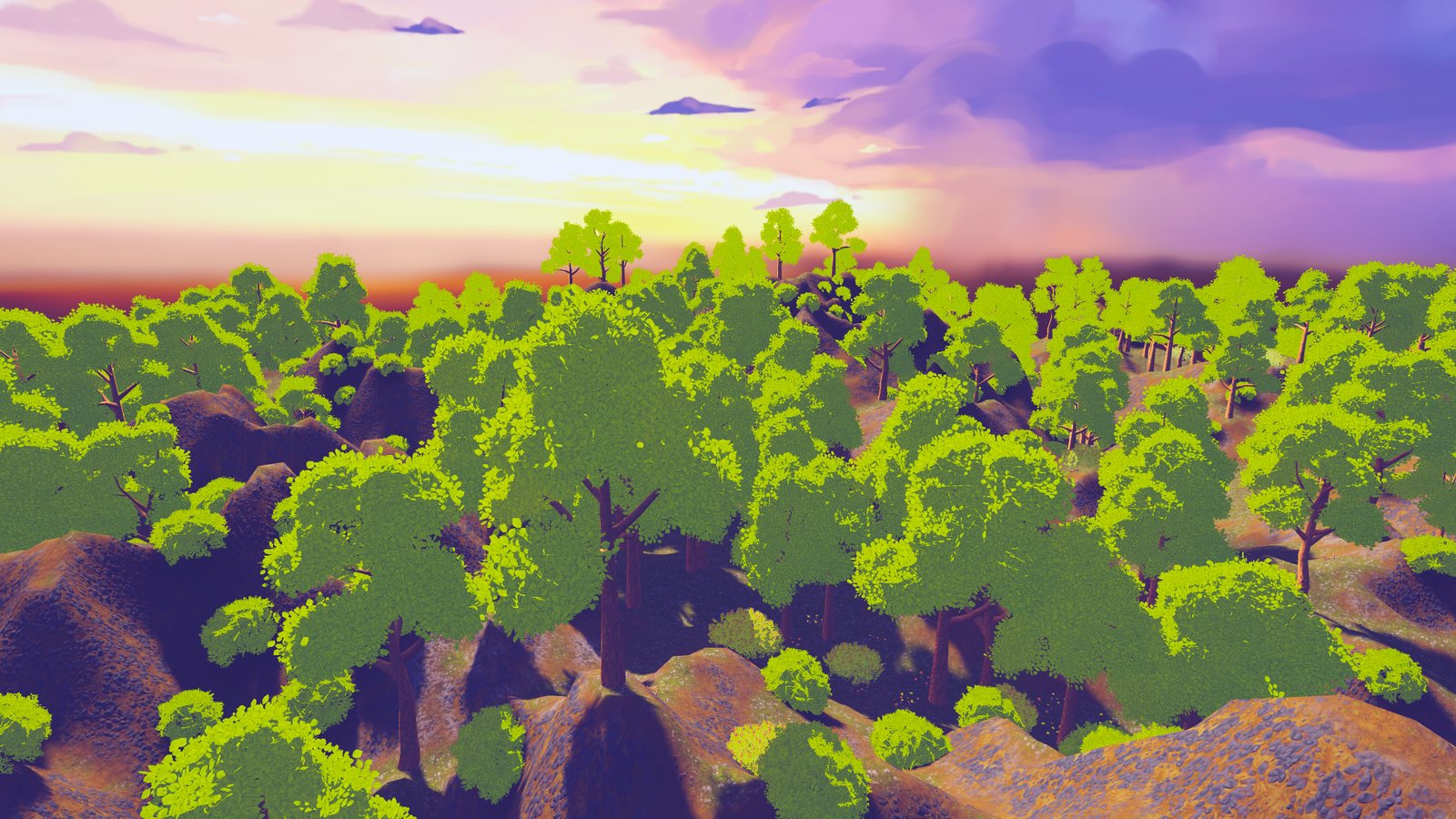
Anvil CSG terrain got remastered
Anvil has had terrain for a while, but it was weak. So it got a remaster. What the new terrain can do, and how it stays fast with a whole forest on it.
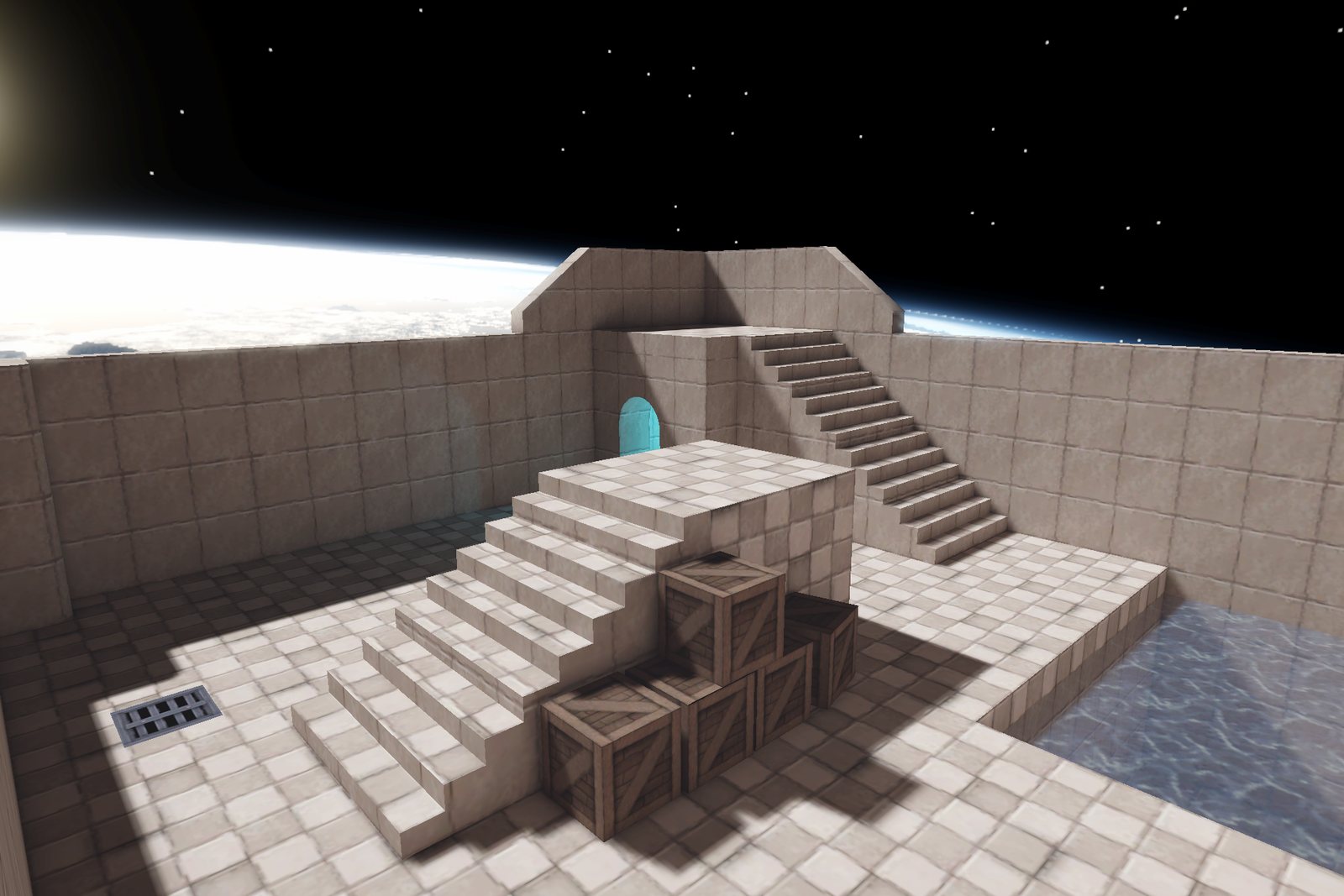
Anvil CSG Beta 2 is free to try
The free preview of Anvil CSG for Unity 6.3: what is in it, the September 25 fix update, and how to install it.
Comments